|
|
Upload a File from your computer |
Upload a File from Your Computer
From the Activities page, click the + New File button.

When the pop-up appears, choose Import Document.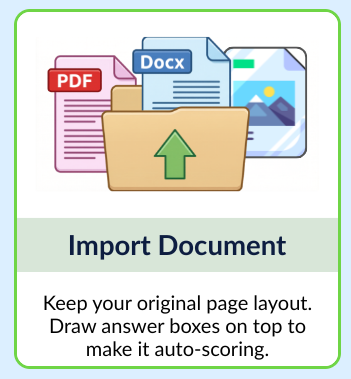
Select a File from Your Device
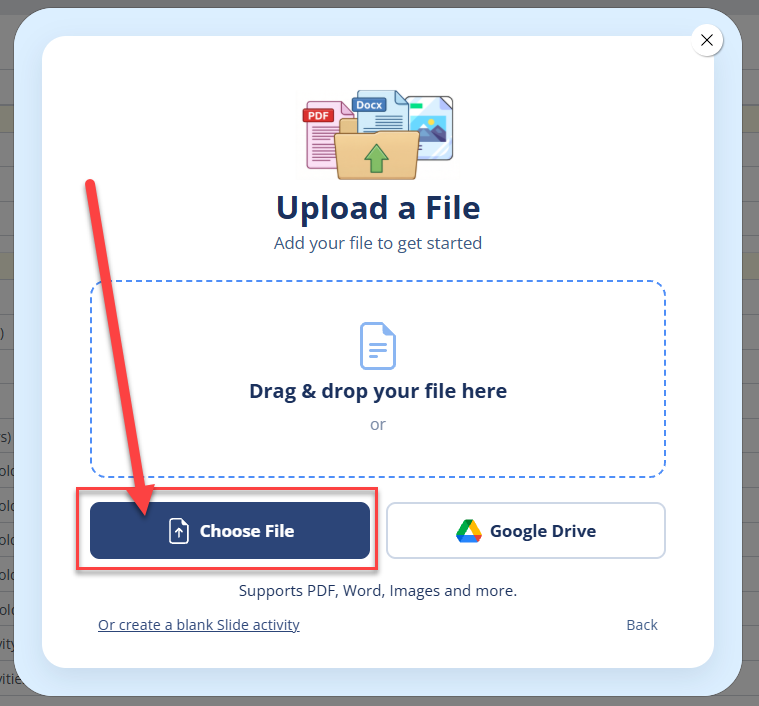
Click Choose File and browse to select a document saved on your device.
Supported file types: PDF, DOCX, PNG, and JPG. PDF is recommended for best results.
Choose Your Pages
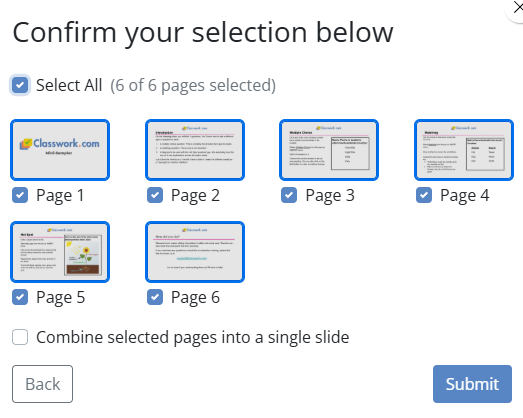
Once the file finishes processing, you’ll see thumbnail previews of each page.
- Click the thumbnails of the pages you want to include
- Selected pages highlight in blue with a checkmark
- Use the option at the bottom if you want to combine each page into a single slide
- Click Submit when you're ready
You’ll open directly inside the Activity Editor, ready to add interactive elements.
Are you new to Classwork.com? Welcome!
Click here to start your 30 day risk-free PRO trial today.
Was this article helpful?
That’s Great!
Thank you for your feedback
Sorry! We couldn't be helpful
Thank you for your feedback
Feedback sent
We appreciate your effort and will try to fix the article