|
|
New Folder Button |
Create a New Folder
You can organize your Activities into folders, just like a digital filing cabinet.
To create a folder, click New Folder at the top of the Activities page.

Enter a folder name, choose a color, and click Confirm.
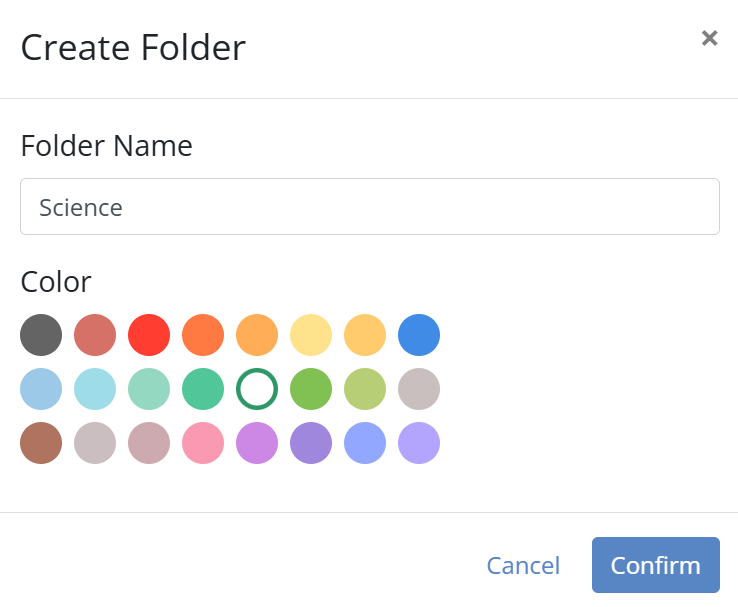
Your new folder will appear on the Activities page, ready for organizing your content.
Are you new to Classwork.com? Welcome!
Click here to start your 30 day risk-free PRO trial today.
Was this article helpful?
That’s Great!
Thank you for your feedback
Sorry! We couldn't be helpful
Thank you for your feedback
Feedback sent
We appreciate your effort and will try to fix the article