|
|
Assigned (30 days) |
View Assigned (30 Days)
Click Assigned (30 days) from the More dropdown to see all Activities assigned within the past 30 calendar days.
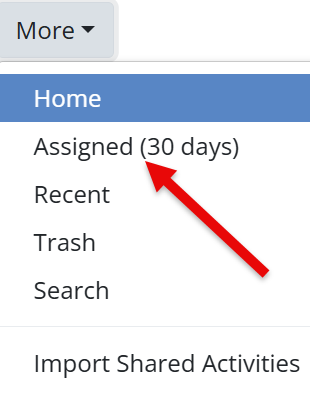
You will see a folder-style view showing:
- Each assigned Activity
- The assignment title
- How recently it was assigned
- Quick access to review or manage student submissions
This is a simple way to track recent Assignments without searching your full Activity list.
Are you new to Classwork.com? Welcome!
Click here to start your 30 day risk-free PRO trial today.
Was this article helpful?
That’s Great!
Thank you for your feedback
Sorry! We couldn't be helpful
Thank you for your feedback
Feedback sent
We appreciate your effort and will try to fix the article