|
|
Gamify Assignments with Time Limits and “Check My Answers” |
Time Limits and Check My Answers
Classwork includes two assignment settings that help increase focus and provide instant feedback without adding grading work.
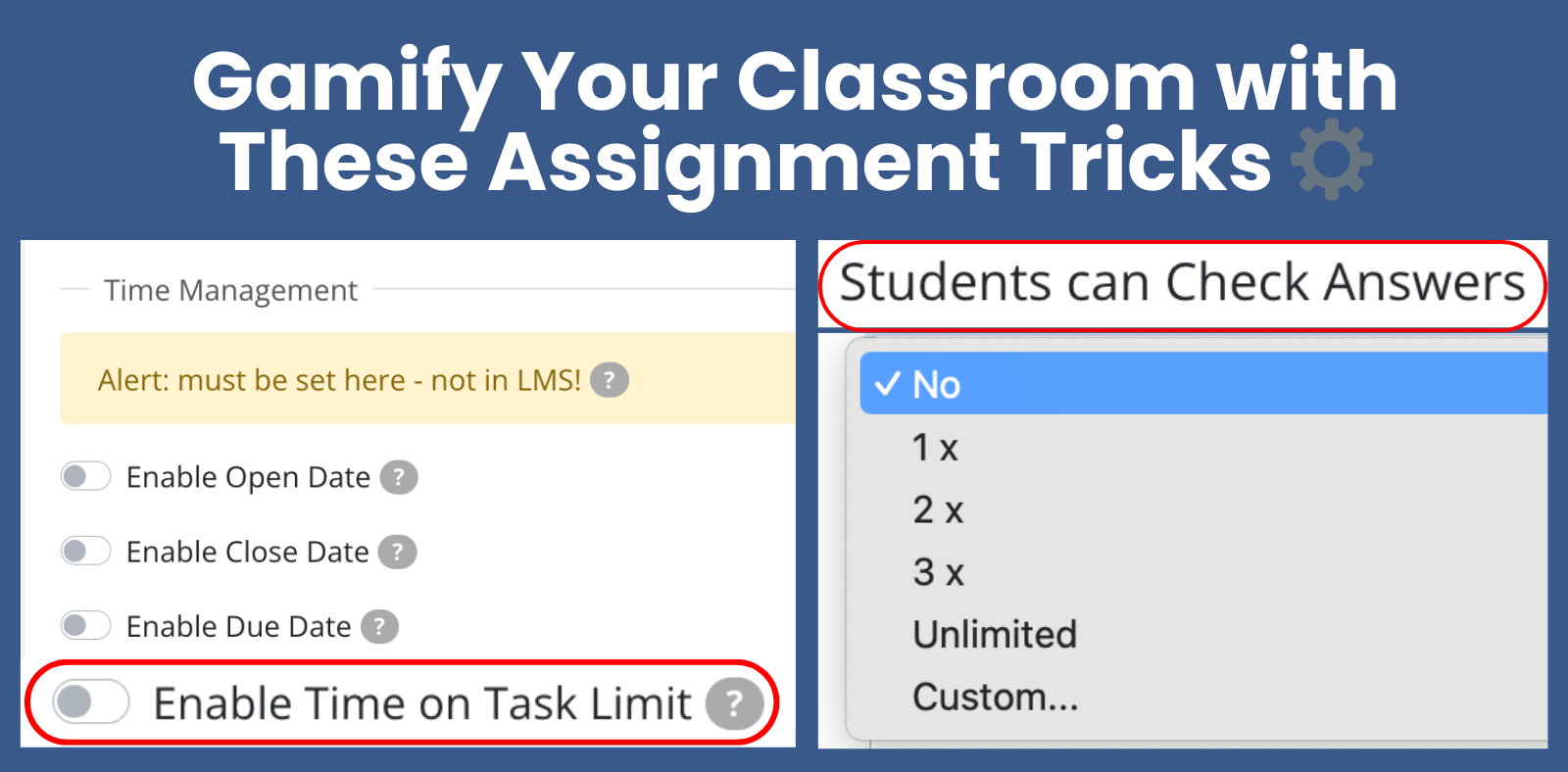
Time Limit (Time on Task)
A time limit adds urgency and structure to an assignment.
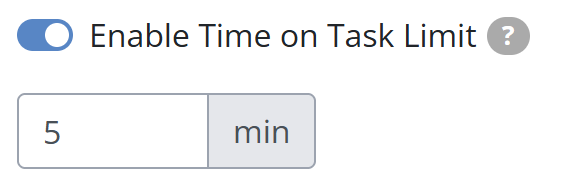
- The timer starts when the student opens the assignment
- The timer continues even if the student leaves the page or finishes later
- When time runs out, the assignment is automatically submitted
Note: Time limits are set per assignment, not per activity.
Check My Answers
This setting allows students to check auto-scored questions before submitting.
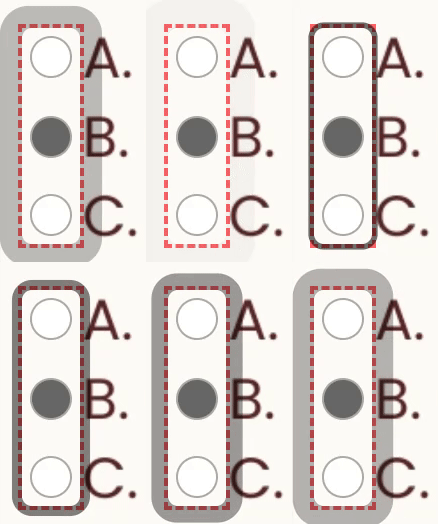
After checking, auto-scored questions are outlined:
- Green: correct
- Red: incorrect
- Orange: not attempted
Students can revise answers at any time, but correct answers are never revealed.
Using Both Together
You can enable both settings on the same assignment to combine urgency with real-time feedback. This works well for reviews, challenges, and skill practice.
Was this article helpful?
That’s Great!
Thank you for your feedback
Sorry! We couldn't be helpful
Thank you for your feedback
Feedback sent
We appreciate your effort and will try to fix the article